Scaffolding AVM modules with an agent skill
A reusable agent skill that scaffolds a new Azure Verified Module from an ARM resource type using tfmodmake, and a worked example creating the SRE Agent module.
Creating a new Azure Verified Modules (AVM) Terraform module from scratch is procedural but ambiguous: generate a scaffold from the ARM schema, decide what to prune, wire in the AVM interfaces (locks, role assignments, diagnostics), handle child resource submodules, write examples to cover end to end tests, and get pre-commit clean.
Procedural + ambiguous is exactly the space where an agent skill pays off. So I built one:
avm-new-resource-module
This post explains what the skill does, how to install it, and walks through a real example:
the Azure SRE Agent module
(Microsoft.App/agents), which has been proposed to the AVM programme via
issue #2701.
What is an agent skill?
A skill is a structured markdown file that gives an AI agent focused, reusable procedural knowledge: a workflow, patterns, and a self-verification checklist. The agent loads a skill from your repo at runtime; you trigger it with a natural-language prompt.
skills.sh is the open ecosystem for sharing these reusable capabilities. You can install skills from any GitHub repository with a single command.
Installing the skill
The avm-new-resource-module skill lives in
kewalaka/avm-contributions, alongside the CI
workflows that I’ve developed for my AI Contributor Agent.
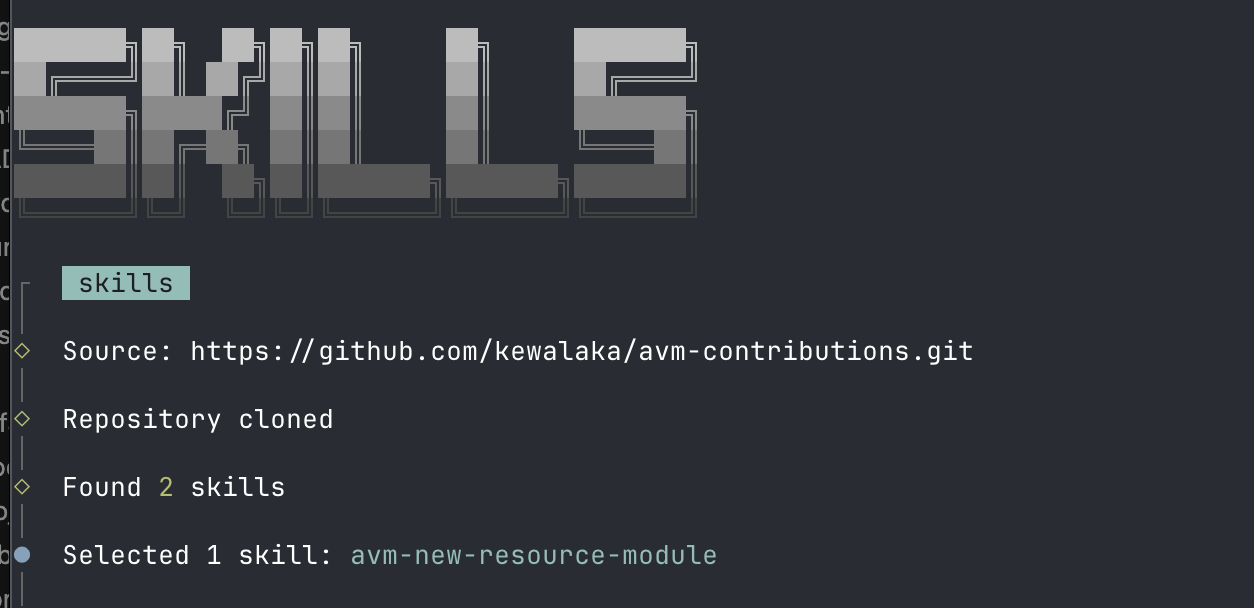
Install it into your project with:
| |
This drops avm-new-resource-module/ under .agents/skills/ in your project, ready for GitHub
Copilot or any skills-compatible agent runtime.
What the skill does
The skill walks an agent through creating a new AVM resource module in ten steps:
Step 0 – Prerequisites. Install tfmodmake from source. This is the tool that queries
the ARM API schema and generates an initial Terraform scaffold. I wrote about it here.
Step 1 – Scaffold. Run tfmodmake discover versions to find the right API version, then
tfmodmake gen avm to generate main.tf, variables.tf, locals.tf, outputs.tf,
terraform.tf, main.interfaces.tf, and submodule directories for each child resource type.
Step 2 – Assess and prune. Not everything the scaffold generates belongs in an AVM module.
The skill provides a decision table: keep the azapi_resource body and variables, replace the
interfaces file with the latest avm-utl-interfaces release, and remove private endpoints /
customer-managed-key variables if the resource type doesn’t support them.
Step 3 – Integrate into the AVM template. Wire up terraform.tf (Terraform ~> 1.12 for
ephemeral variable support), main.tf, the interfaces pattern, and update _header.md to
support the automatic doc generation. The skill includes inline HCL snippets for each section, including the sensitive_body pattern for secrets that should not land in state.
Step 4 – Child submodules. For each child resource type, run tfmodmake gen submodule and
apply a post-generation checklist covering schema validation flags, telemetry pass-through, and
header/footer docs.
Step 5 – Default example. Scaffold examples/default/ using the naming module, the
azurerm_resource_group fixture, and a minimal provider block.
Steps 6-10 – Pre-commit, validate, commit, PR check, push. The skill closes with the
standard ./avm commands in the right order, including agent-friendly variants that capture
output to a log file for large workspaces.
The skill also includes orchestration guidance: because the file counts and diffs can overflow a single agent context, it recommends delegating the root module integration, submodule generation, and Terraform plan steps to separate subagents.
Worked example: the SRE Agent module
Azure SRE Agent
(Microsoft.App/agents) is a relatively new Azure service: an AI-powered operational agent configurable
with connectors, model settings, diagnostic monitoring, and its own identity. It was proposed to
the AVM programme in AVM issue #2701,
with an initial implementation at
kewalaka/terraform-azure-avm-res-app-agent.
This module was created using exactly the skill above. A few things worth noting from the experience:
Preview API. The resource is at 2026-01-01-preview. Because that version isn’t yet in the
azapi provider’s embedded schema, the module sets schema_validation_enabled = false. The skill
calls this out and flags it as something to report upstream so azapi can pick up the schema.
Ephemeral variables for secrets. The SRE Agent has connection keys and connection strings
that shouldn’t be stored in Terraform state. The skill’s sensitive_body + ephemeral = true
pattern handles this cleanly, using a paired *_version variable as a change token to trigger
re-reads without putting the secret value in state.
Connectors submodule. The Microsoft.App/agents/connectors child resource type gets its own
submodule via tfmodmake gen submodule. The post-generation checklist caught that location is
not valid for this child resource and would cause a tflint unused-variable failure if left wired.
Naming module gap. There’s no entry for Microsoft.App/agents in
Azure/terraform-azurerm-naming yet. The
skill notes this and provides module.naming.resource_group.name_unique as a stand-in until
it lands upstream.
The module passes ./avm pr-check cleanly and supports the full AVM interface set: locks, role
assignments, diagnostic settings, private endpoints (marked not-supported for this type), and
managed identity.
Improving the skill with skill-creator
Shipping the first version of a skill is only half the work. After using it on the agents
module, I ran it through Anthropic’s skill-creator skill to assess what to tighten up.
The skill-creator is a meta-skill: you point it at an existing skill and it applies a structured improve–test–iterate loop. The workflow is:
- Assess the current skill — read it critically for gaps, overtriggering/undertriggering risk, missing guidance, and content that belongs off the happy path
- Write test prompts — realistic user requests that should exercise the skill
- Run with-skill and baseline subagent pairs in parallel, grade outputs
- Review qualitatively via the built-in eval viewer, iterate the skill
- Optimise the description using a triggering eval loop
A few concrete improvements that came out of this session:
Description was undertriggering. The original description was one sentence with no trigger
phrases. An agent asked to “scaffold a new AVM module for Microsoft.App/agents” might have
reached for the sibling avm-terraform-module-development skill instead. The description was
rewritten with explicit WHEN: examples and a clear disambiguation boundary.
Step 0 was always-on noise. The prerequisites step unconditionally cloned and built
tfmodmake from source on every run — even if it was already installed, and even if Go wasn’t
available. Refactored to: check first, skip if present, point to
references/install-tfmodmake.md for the two install paths. Happy path is three lines.
The main.tf block was a stub. Placeholders like "properties.someEndpoint" and
# e.g.: connectionKey = var.connection_key don’t give an agent enough to work from. Replaced
with a fully-annotated example from the actual agents module — real field names, numbered
callouts explaining the why behind sensitive_body, response_export_values exclusions, the
schema_validation_enabled caveat, and the telemetry header pattern.
PE/CMK decisions were vague. “Check ARM docs” for whether a resource supports private
endpoints isn’t actionable. Updated to specify what to look for: a privateEndpointConnections
child type in the REST API, or presence on the Azure Private Link supported services list.
Similarly for CMK: look for properties.encryption in the ARM schema via tfmodmake discover.
Troubleshooting was on the happy path. Two subsections covering Porch SIGKILL on macOS and
tflint unused-variable failures were inline in Step 6. They’re reactive content — only relevant
when something goes wrong. Moved to references/troubleshooting.md with a single pointer line.
Saved ~30 lines; the space went to the annotated main.tf example.
No module naming guidance. Nothing in the skill explained how to derive the repo name from
the ARM resource type. Added a naming table and the convention rule
(terraform-azurerm-avm-res-<namespace>-<resource-singular-lowercase>), plus a note to
register new modules in modules.yaml.
The skill-creator approach made it easy to be systematic rather than just editing by instinct. Having concrete test prompts to run — including one using a resource that exists in a completed form — revealed gaps that weren’t visible from just reading the skill.
Where to find it
- Skill source: kewalaka/avm-contributions
under
.agents/skills/avm-new-resource-module/ - Worked example module: kewalaka/terraform-azure-avm-res-app-agent
- AVM module proposal: Azure/Azure-Verified-Modules#2701
- Skills ecosystem: skills.sh
If you’re contributing new resource modules to AVM, or just scaffolding Terraform modules against Azure APIs, give it a try. The scaffold-then-prune workflow saves a lot of back-and-forth with the AVM template, and having the checklist in the skill means the agent can verify its own work before committing.